Guides
Self-storage equipment setup: how to rank, test, and commission it
This self-storage equipment setup guide ranks doors, latches, access control, cameras, lighting, and conditioned space by failure cost, with a commissioning order.
What to take away
- Rank every item by whether its failure takes a rented unit out of service. That ranking should drive both the budget and the maintenance schedule.
- The latch and the overlock provision are the two smallest components with the largest operational consequences.
- Conditioned space is a different building system with a different failure mode, and it costs money whether or not the units in it are rented.
- Access control is a records system that happens to open a gate. Treat the log as evidence.
- Commission the site in a written order and keep the test results. That file answers insurers, lenders, and your own future arguments.
Rank the hardware by consequence, not by price
Storage equipment lists are usually organized by trade: doors, then electrical, then security. Organize by what a failure costs instead, and the priorities change immediately.
Failure Cost by Equipment Tier
Tier
- Stops revenue
- Door, latch, hinge, spring
- Stops access
- Gate, keypad, controller
- Degrades site
- Lighting, cameras, drainage
- Supports office
- Counter, retail, vehicles
Items
- Stops revenue
- Unit unrentable, tenant stuck
- Stops access
- Everyone affected at once
- Degrades site
- Slower, visible to customers
- Supports office
- Inconvenient, rarely urgent
Failure cost
- Stops revenue
- Stops access
- Degrades site
- Supports office
Rank the hardware by consequence
Items
- Stops revenue on a rented unit
- Door, latch, hinge, overlock provision, roll-up spring
- Stops access to the site
- Gate operator, keypad, controller, the link between them
- Degrades the site
- Lighting, cameras, surface drainage, signage
- Supports the office
- Counter systems, retail stock, vehicles
What a failure costs
- Stops revenue on a rented unit
- That unit is unrentable until fixed, and the tenant inside it is stuck
- Stops access to the site
- Everyone is affected at once, including move-ins in progress
- Degrades the site
- Slower to bite, and visible to every customer who visits
- Supports the office
- Inconvenient, rarely urgent
Fund the first tier properly and carry spares for it. A latch is a small purchase and a unit out of service is a revenue line stopped, which is a poor trade to make twice.
Doors and latches
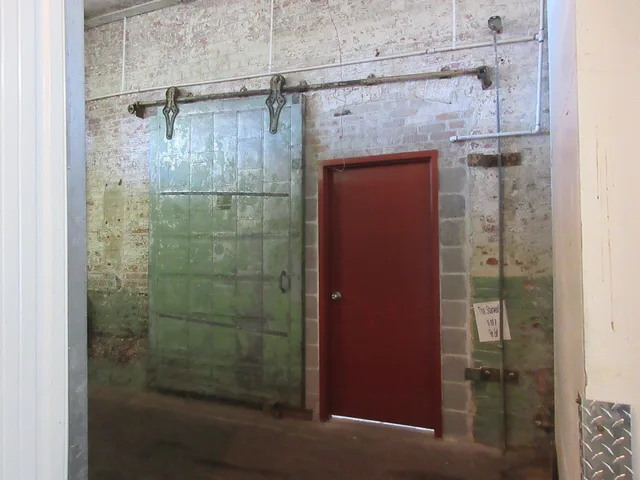
The door is the product. A tenant's entire experience of quality is a roll-up door that lifts smoothly and a latch that closes without a fight.
- Specify the door for the opening size and the exposure, and get the manufacturer's own installation tolerances in writing rather than relying on the installer's habit.
- Springs are consumable. Ask what the rated cycle life is and treat replacement as scheduled work rather than as a repair.
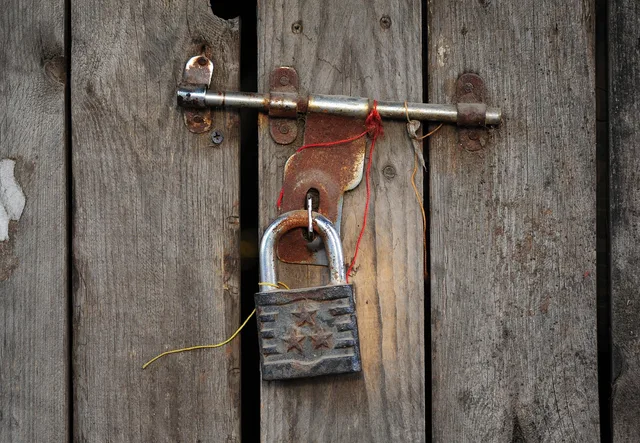
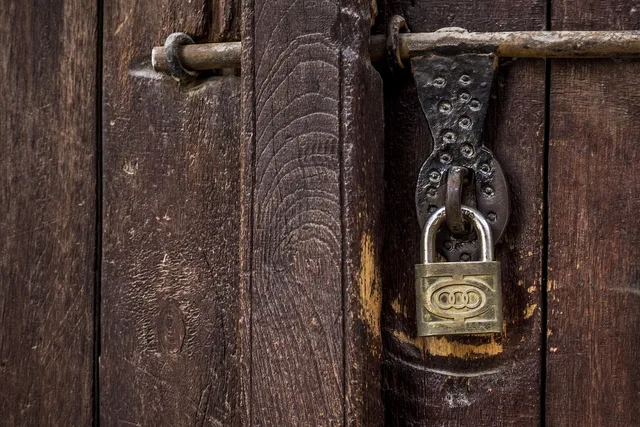
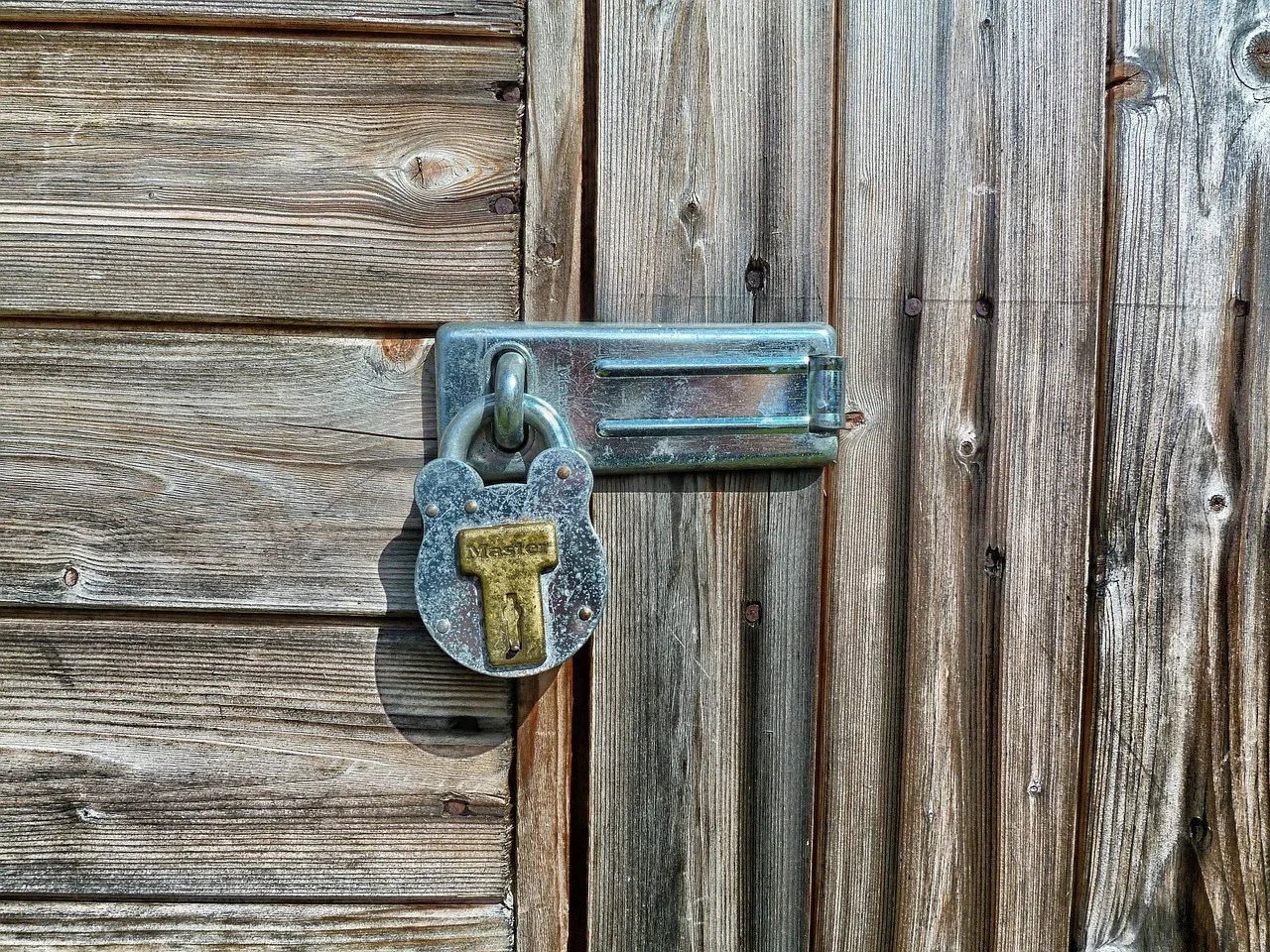
- Latches and hasps have to accept both the tenant's lock and the facility overlock. Confirm that with a real lock, on site, before the whole building is fitted.
- Drive-up thresholds need the grade checked after heavy rain. Water at a threshold turns into a claim about someone's property.
- Keep a small stock of the exact latch, hasp, and spring you installed. Substitutes fit badly and multiply the parts you have to carry.
The overlock provision deserves a sentence of its own as the physical step in the delinquency process. If awkward, staff will apply it inconsistently. That is the last thing you want in a process governed by your state's self-storage facility act.
What that process requires, and who should write it, is covered in what the lease and the state statute govern.
Access control and the gate
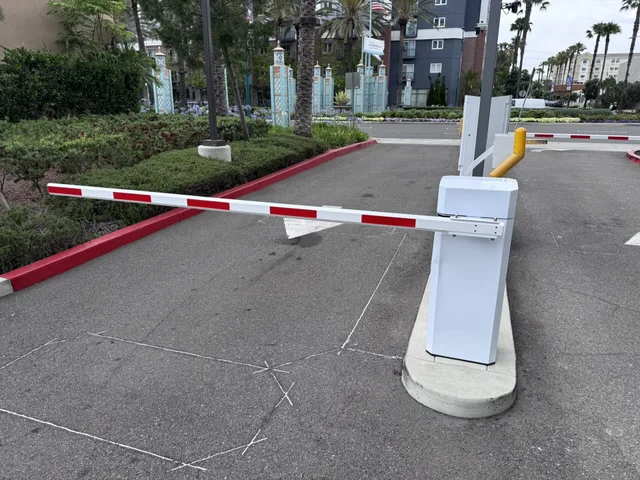
Specify the gate as three separate things, because they fail separately: the physical operator, the entry device, and the controller that decides who gets in.
Ask how the system behaves when the network is down. Some hold their last known permissions and some fail closed, and the difference decides whether a customer with a truck is standing outside on a Saturday. Ask the same question about a power cut, and about a controller that cannot reach the management platform.
Treat the access log as a record, not a screen. It shows who entered, when, and at which unit if you have unit-level control, and it is the first thing anyone asks for after an incident.
Write down retention, access rights, and who may look at it, because it is customer data as much as a security feature.
Cameras, lighting, and what they are for
Cameras record. They do not prevent, and staff should never tell a customer otherwise, because that statement becomes a promise. Specify coverage at the gate, at the office, and along the corridors and drive aisles most used, and specify the retention period deliberately rather than accepting a default.
Lighting does more real work than cameras do. Even coverage along corridors and drive aisles, with no dark stretch between fittings, changes how a site feels at five in the afternoon in winter, and that is when a large share of visits happen.
Conditioned space is a separate system
Climate control is not a finish applied to the same building. It is a mechanical system with its own capacity calculation, its own maintenance schedule, and its own failure mode, and it consumes energy in proportion to the conditioned area rather than to the rented area.
An empty drive-up unit costs almost nothing to hold. An empty conditioned unit still must be conditioned. So the conditioned portion's break-even occupancy is higher than the rest of the building.
Size the conditioned share against demand you have actually observed in the trade area, using the method in how a site and its market are assessed, not a share you saw elsewhere.
Specify monitoring with an alarm that reaches a person. A conditioned building that drifts out of range overnight, with nobody told, is how a mechanical fault becomes a claim about stored property.
Safety in the setup phase and after
Fit-out involves work at height, roll-up door springs under tension, and vehicles moving in the same space as people. Those risks do not end at commissioning: they recur every time a door is serviced or a unit is cleared out.
The Occupational Safety and Health Administration's material on establishing a safety and health program sets out how a small operation builds this into ordinary work rather than into a binder. The practical version at a storage site is short: nobody works on a spring without training, nobody works alone at height, and the vehicle routes and pedestrian routes are marked.
Accessibility, records, and data at setup
Accessibility is drawn, not retrofitted. Parking, the approach to the office, counter height, and the route into the building are decided on the site plan.
At that stage, the Department of Justice guide to the Americans with Disabilities Act for small businesses is the reference to hand the designer.
The access control system, management platform, and counter terminal all hold customer information, so the security program covers them together.
The Federal Trade Commission's explanation of what the Safeguards Rule expects of a business holding customer data describes what that program contains. Set up individual logins and a removal process at commissioning, when nobody has habits yet.
Keep the commissioning documents. Warranties, serial numbers, installation certificates, test results, and the as-built drawings all support later tax treatment, insurance claims, and any sale of the business. The Internal Revenue Service page on the records a business should keep sets the general expectation, and your accountant should see the equipment schedule while the invoices are still current.
A commissioning order that catches problems while they are cheap
A commissioning order
- Test a sample of doors across the building, including corner units and end bays, with a real tenant lock and the facility overlock.
- Run the gate through a network failure and a power failure, and write down what actually happened.
- Walk the corridors after dark and record every dark stretch.
- Flood test the drive-up thresholds with a hose, before the first rain does it for you.
- Bring the conditioned system to setpoint and confirm the out-of-range alarm reaches a named person's phone.
- Create the staff accounts individually, and test that removing one actually removes gate access as well as software access.
- File every result with a date and the name of whoever ran it.
The financial framing for all of this, including how the equipment schedule sits inside the wider project, is set out in the lease-up and market model for a new facility.
Common questions
How much spare stock is sensible?
Enough of the first tier to fix the most common failures without ordering. Latches, hasps, springs, and a small number of doors in the sizes you have most of. Everything else can wait for a delivery.
Should access control be tied to the management platform?
Integration saves a great deal of manual work, particularly on overlock and release. Ask specifically what happens to permissions when the link fails, and whether you can operate the gate manually for a day without it.
Is more camera coverage always better?
No. More cameras with no retention policy and nobody reviewing them is expense without benefit. Decide what you would want to see after an incident, cover those points properly, and set retention deliberately.
What is most often under-specified?
Lighting and the latch. Both are cheap at construction, both are noticed by every customer, and both are expensive to correct once the building is full.